Boost patient acceptance by presenting AI-generated treatment outcomes chair-side, with affordable options for in-house 3D printing or lab manufacturing.
Plan with confidence. Overlay intraoral scans with CBCT to visualize bone and real root anatomy, enabling biologically accurate final positions and safer staging.
Print in-house or send to the Lab
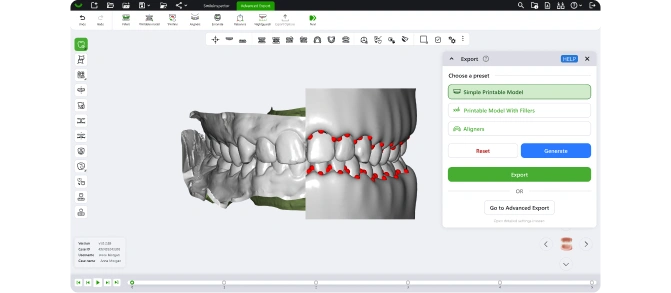
Export clean STL files for in-house 3D printing or lab-based aligner manufacturing, with no restrictions on hardware or service providers.
Smart tools with clinical oversight
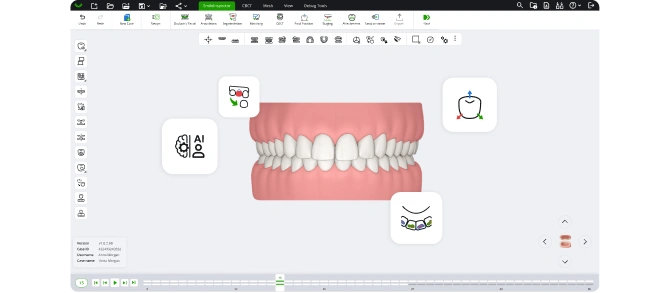
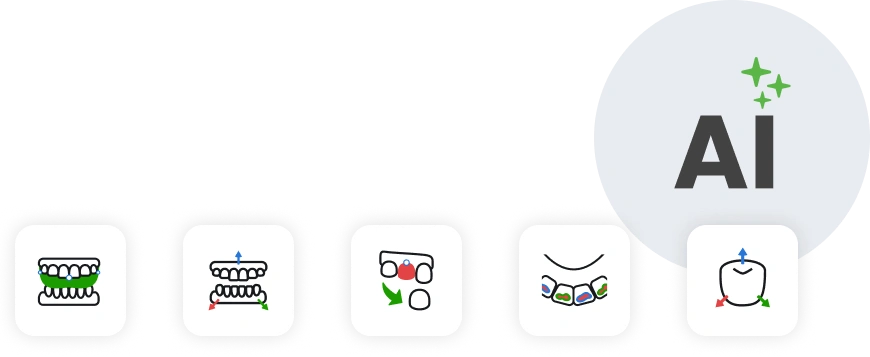
AI assists with segmentation, crown matching, and positioning, while manual control ensures the orthodontist remains in charge of every step.
Patient-friendly visuals at the chair-side
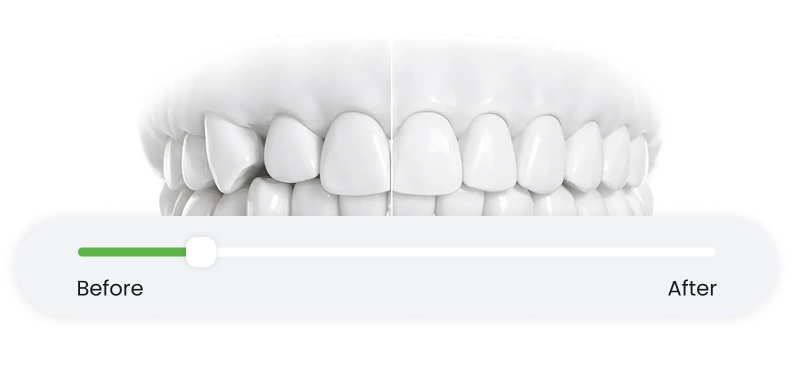
Display treatment outcomes in 10 minutes to help patients understand their plan and feel confident moving forward with aligner treatment.
From Scan to Print — in One Workflow
Patient-friendly visuals at the chair-side
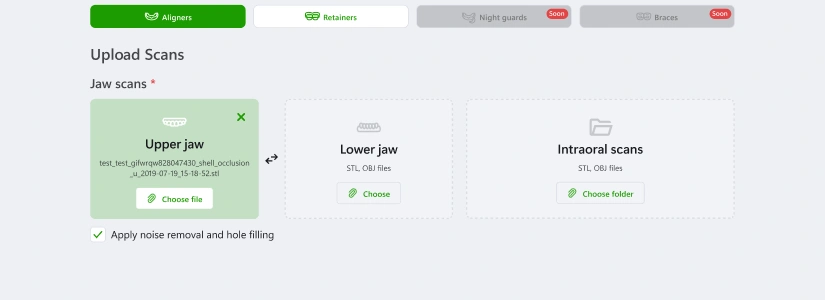
Capture your patient’s intraoral and CBCT scans, then import them into SmileInspector in just a few clicks.
Play the stages and show them chair-side
Use AI tools for cleanup, jaw alignment, segmentation, and crown matching.
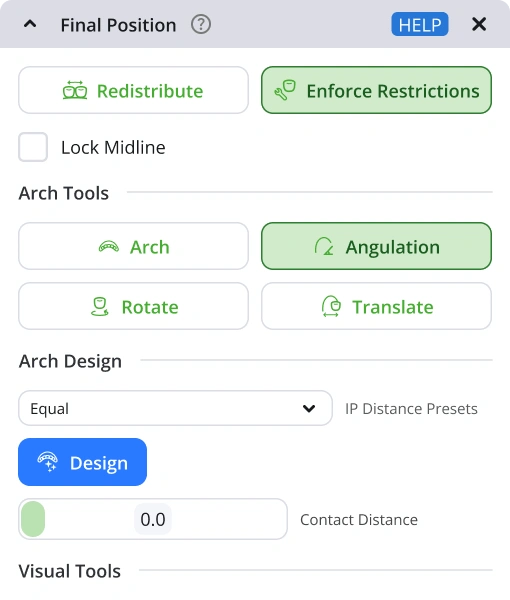
Place final position
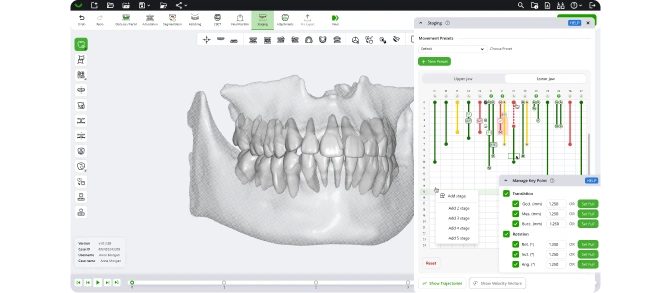
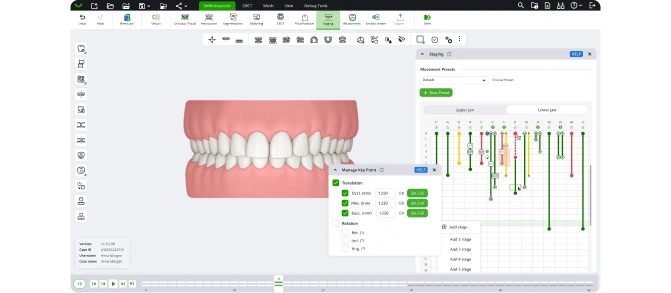
Apply presets or manual controls for tooth positioning and anatomical checks.
Play the stages and show them chair-side
Shape every movement with visual timelines and show chair-side simulations to patients.
Send to dental lab or print in-house
Export STL files for in-house 3D printing or submit to a lab to complete the case.
You can also save and finish the case later at your convenience.
FAQ
How long does it take to create a treatment plan?
With SmileInspector’s AI-assisted setup and intuitive manual tools, you can go from scan import to a fully staged and export-ready treatment plan in under 30 minutes.
Do I need a CBCT scan to use SmileInspector?
No, CBCT is optional. SmileInspector works with intraoral scans alone, but CBCT integration unlocks advanced features like bone visualization and root positioning for anatomically guided planning.
Can I use SmileInspector to show patients their treatment simulation?
Yes. SmileInspector generates patient-friendly visuals that clearly show treatment progress and outcomes, helping increase acceptance at the chair-side.
Does SmileInspector support in-house printing?
Yes. You can export clean STL files with optional gingiva, attachments, and trimlines—ready for your in-house 3D printer or preferred lab.
Can I adjust AI-generated plans manually?
Absolutely. Every AI-driven step—scan cleanup, segmentation, crown matching, and tooth placement—can be reviewed and refined manually to ensure clinical control.
Is SmileInspector compatible with my existing workflow?
Yes. SmileInspector is designed to fit seamlessly into your workflow, whether you print aligners in-house or work with an external lab. There are no platform or hardware restrictions.
Can I use SmileInspector on any device?
Yes. SmileInspector is a cross-platform solution available as a web-based application, so you can access it on Mac, Windows, or Linux without installing anything.