Staging in Your Hands
Split tooth movements into rotations and linear shifts. You can fine-tune each move or apply presets for faster planning.
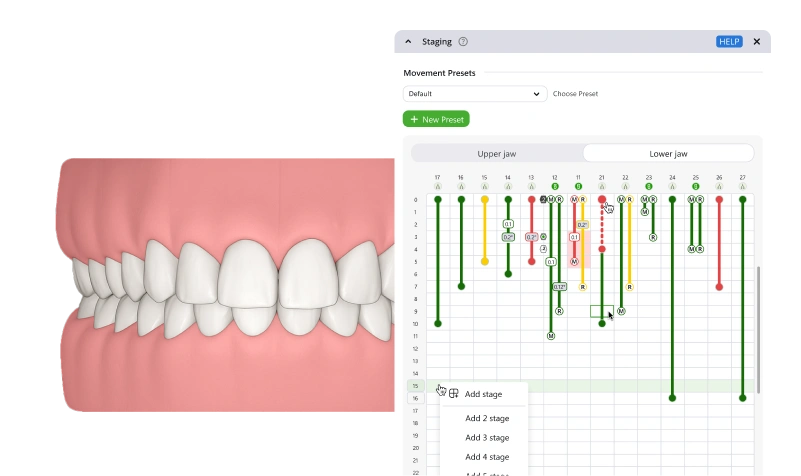

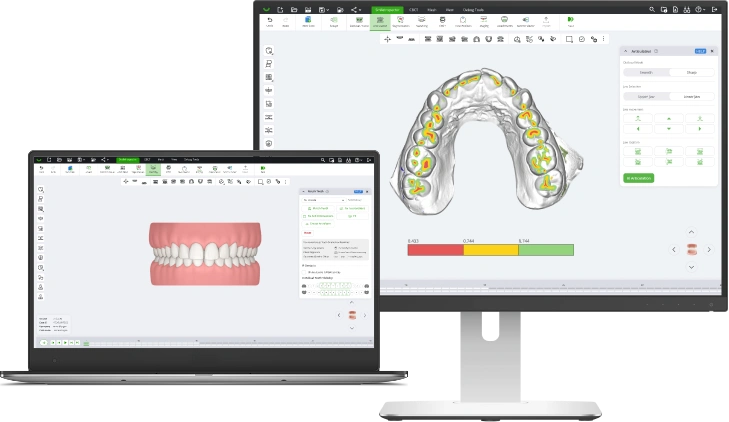
Turn your scans into detailed treatment plans effortlessly with SmileInspector. Our intuitive software simplifies your workflow, allowing you to create accurate treatment plans quickly and easily. Designed for efficiency, SmileInspector gives you full control over every step of the process, making your work smoother and more precise.
Split tooth movements into rotations and linear shifts. You can fine-tune each move or apply presets for faster planning.
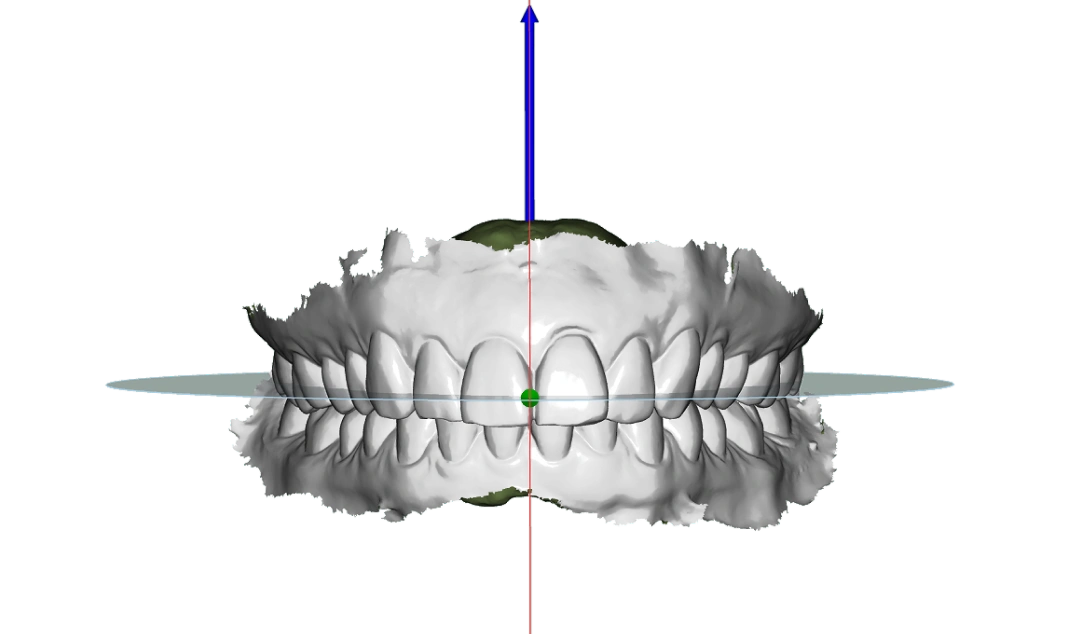
Set the occlusal plane by picking key points. Advanced mode opens facial and occlusion setup for complex cases that need extra precision.
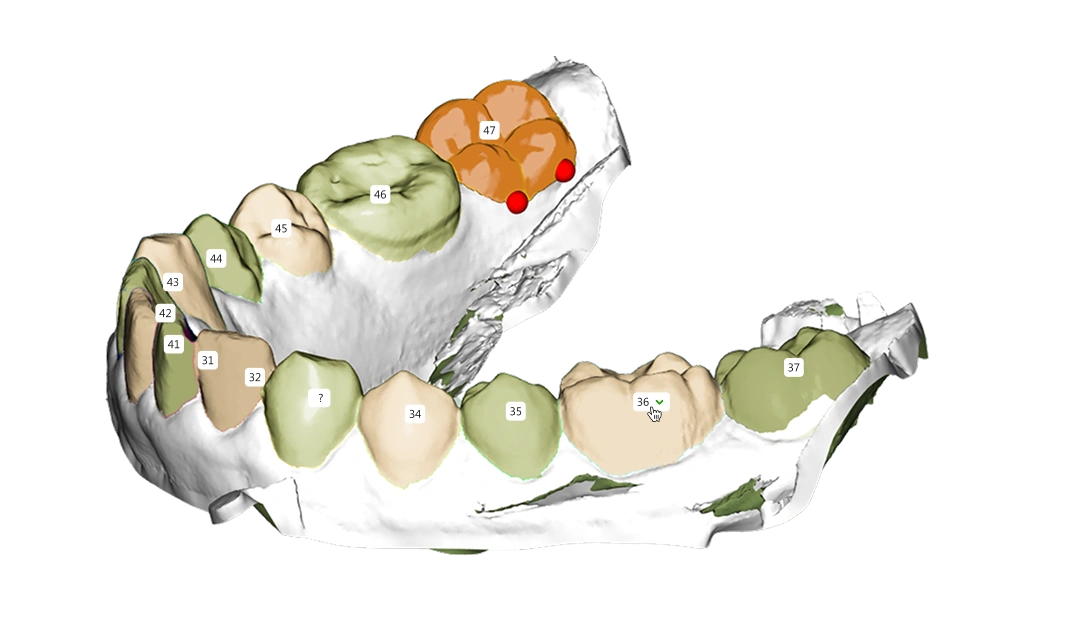
Fast AI segmentation runs automatically and does the rest. Afterwards, you can adjust the results manually so every tooth is prepared exactly as you need for planning.
Flip between preset views such as front, back, top, and sides. Fit models to screen for full analysis.
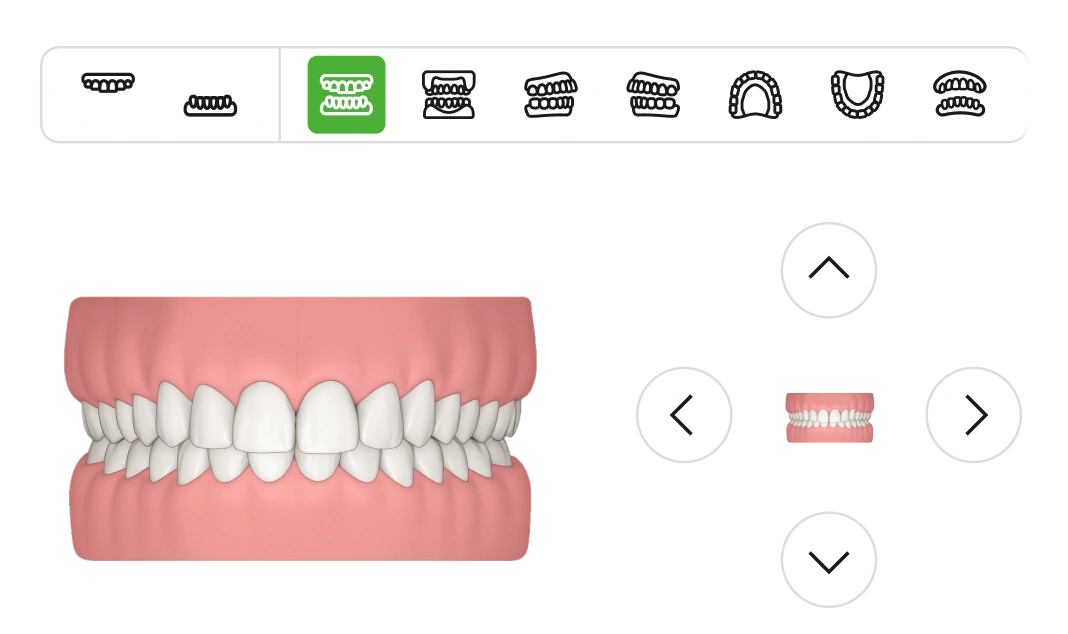
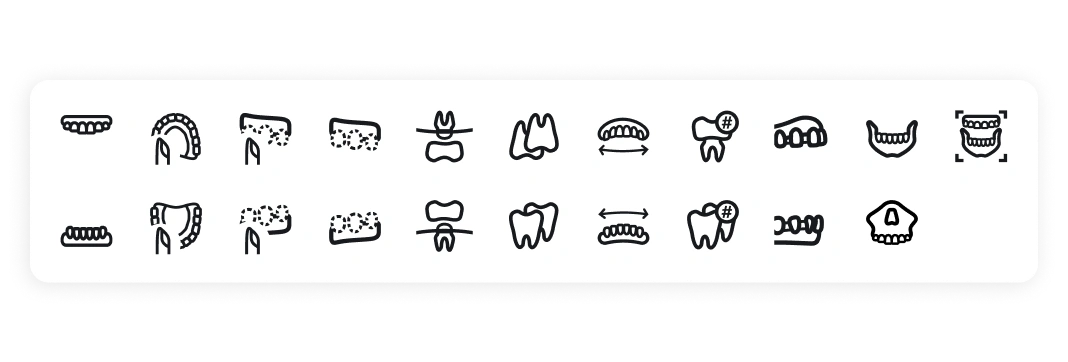
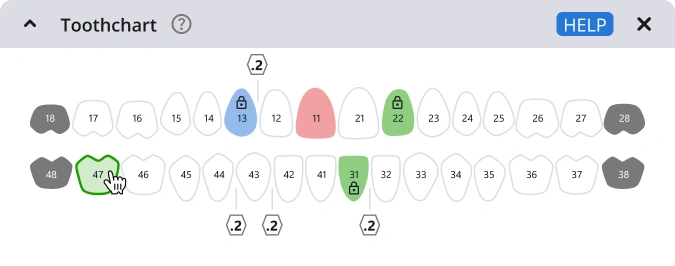
Switch jaws, gingiva, or single teeth on and off. Use the Toothchart to isolate incisors, canines, premolars, or molars.
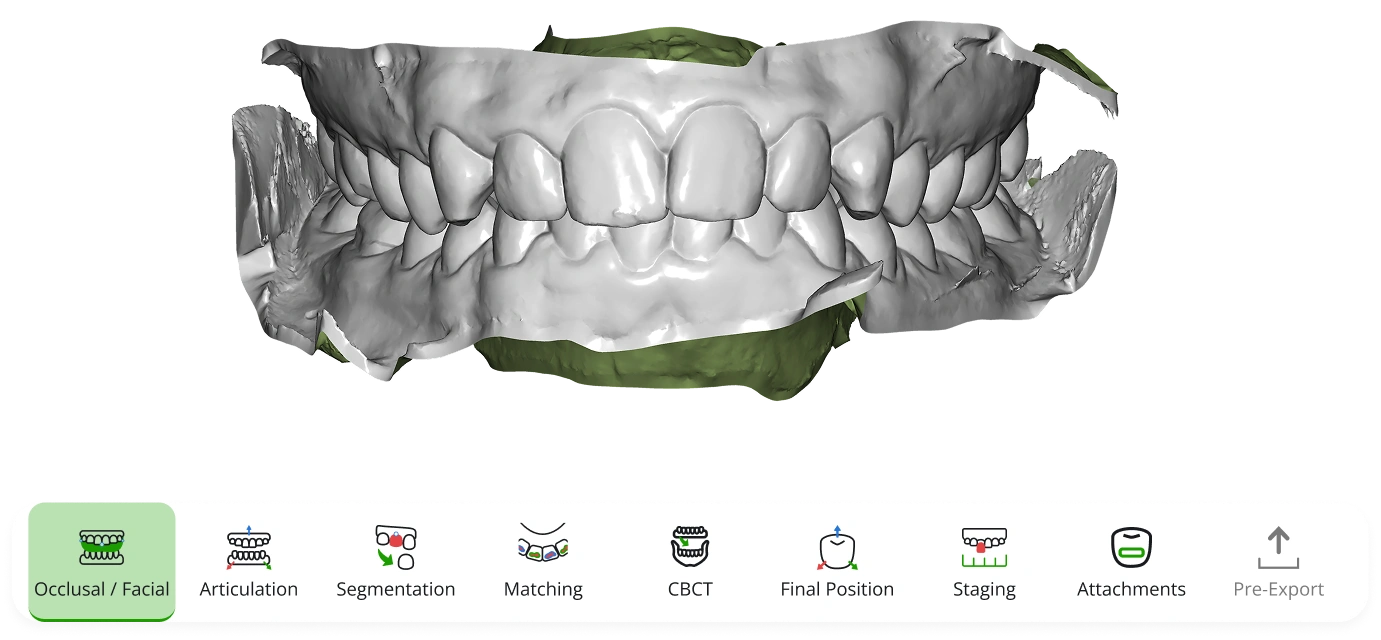
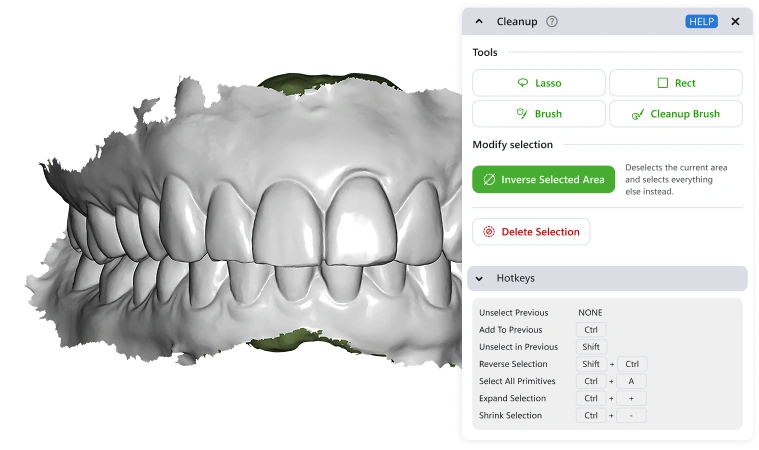
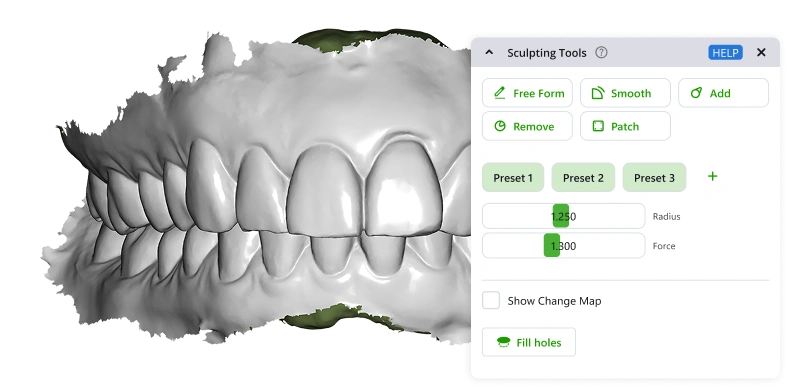
Multiple options let you quickly cut away excess material and refine scans for a clean, workable model.
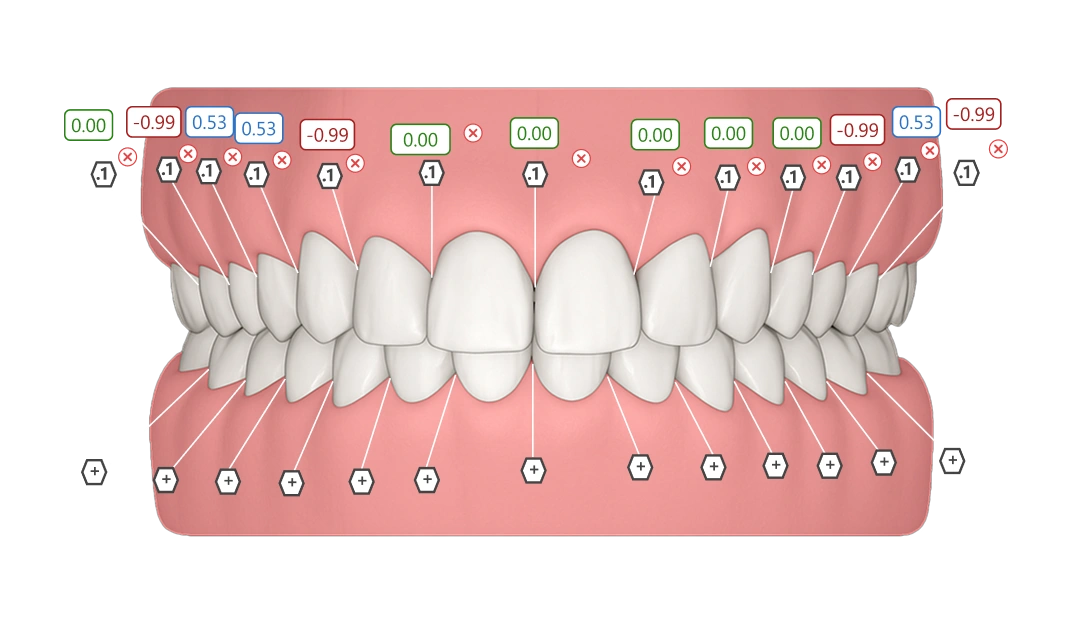
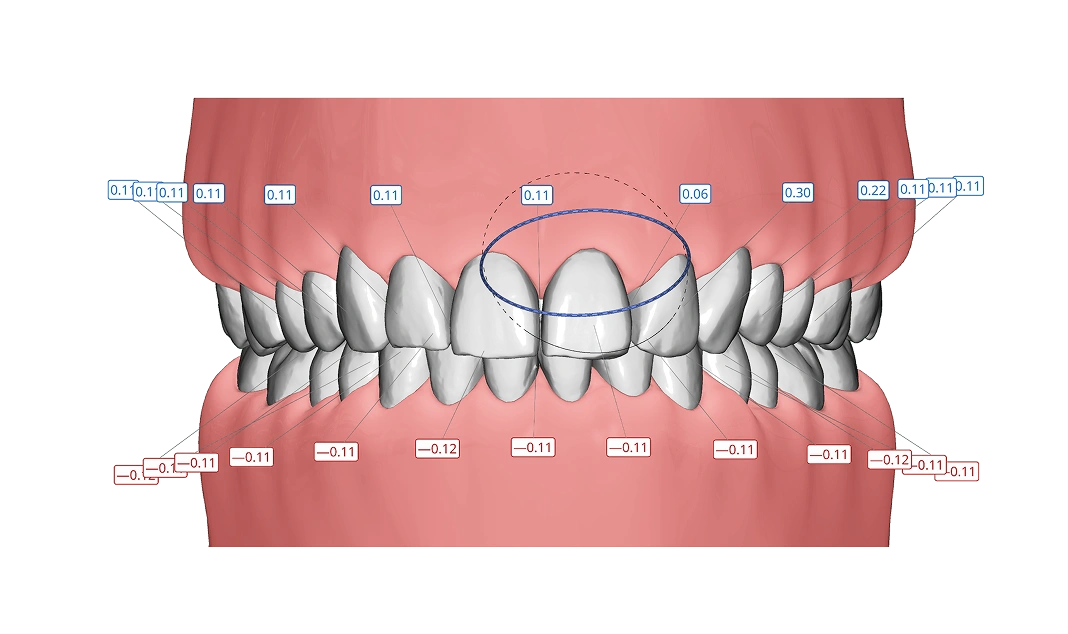
Plan IPR while setting the final position. In staging, decide the exact step when reduction happens. Control spacing with accuracy and confidence.
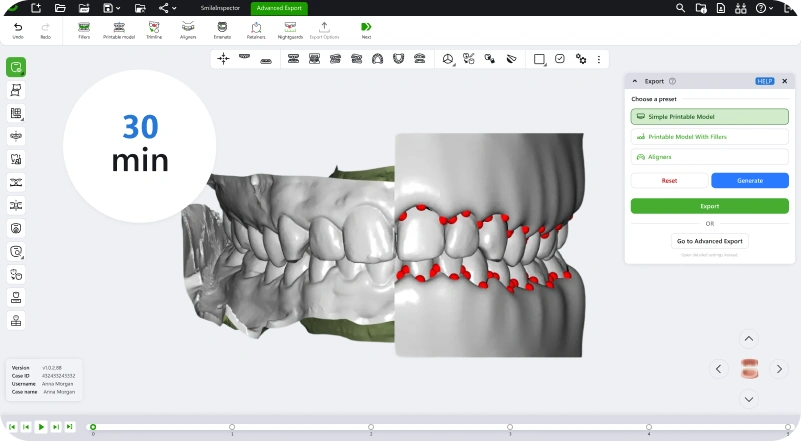
Treatment plans finished in under 30 minutes by combining AI speed with manual precision.
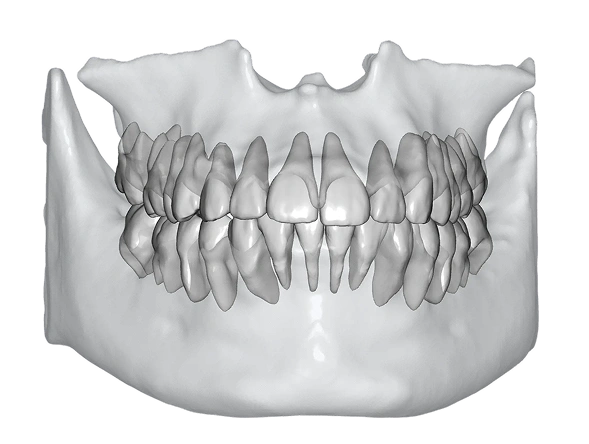
Upload CBCT data, automatically align it with intraoral scans, and extract bone structures. Visualize them directly when planning the final position or overall treatment plan.
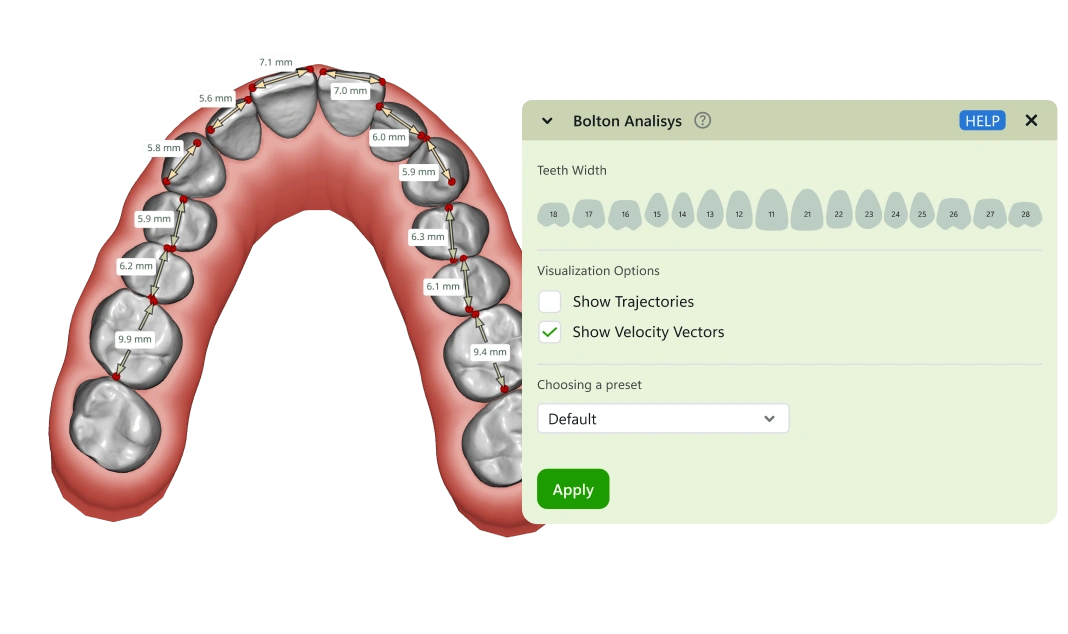
Measure tooth dimensions to evaluate the mesio‑distal relationship between upper and lower arches. This analysis helps identify size discrepancies and supports balanced, predictable treatment planning.
Easily align upper and lower jaws. AI guides occlusion adjustments, while you can rotate and translate scans for a jaw movement that feels natural.
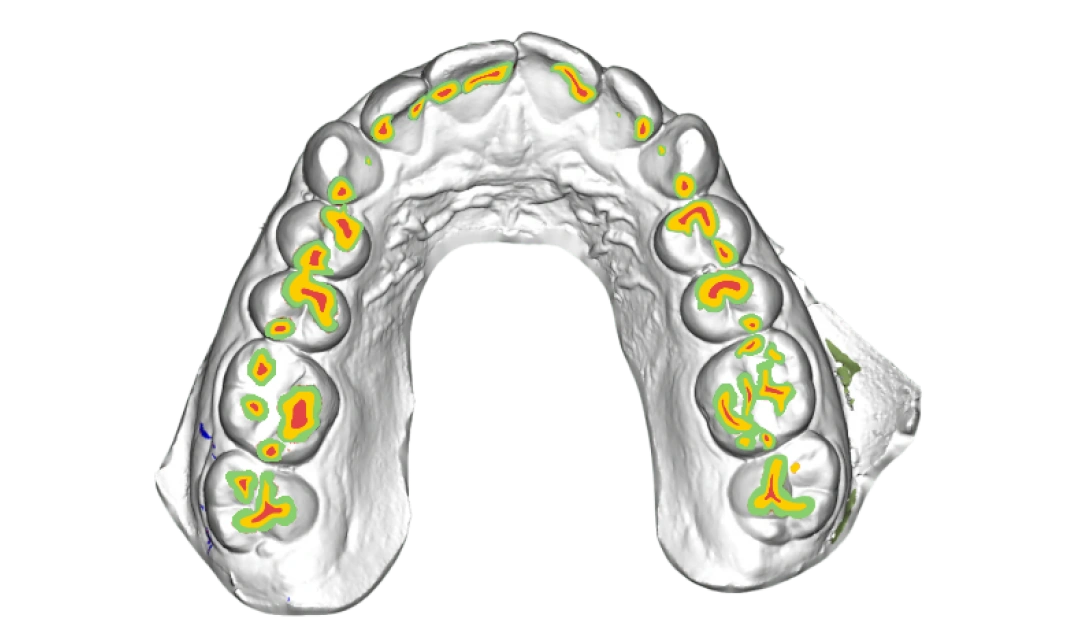
Automatic matching delivers anatomically correct interproximal reconstruction straight from intraoral scans. Manual adjustment tools give you control, and sculpting options let you refine interproximal areas when needed.
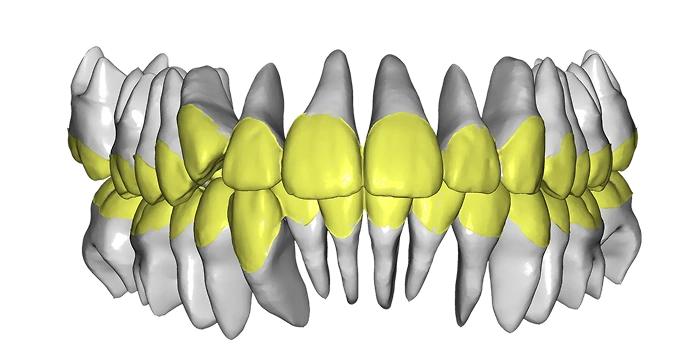
Smart presets allow setting the final position fast. Move individual teeth or adjust the full archform.
Polish your models with sculpting tools. Smooth, trim, and perfect surfaces for a flawless fit.
Auto‑label every tooth, and set extracted or missing teeth directly from the chart.
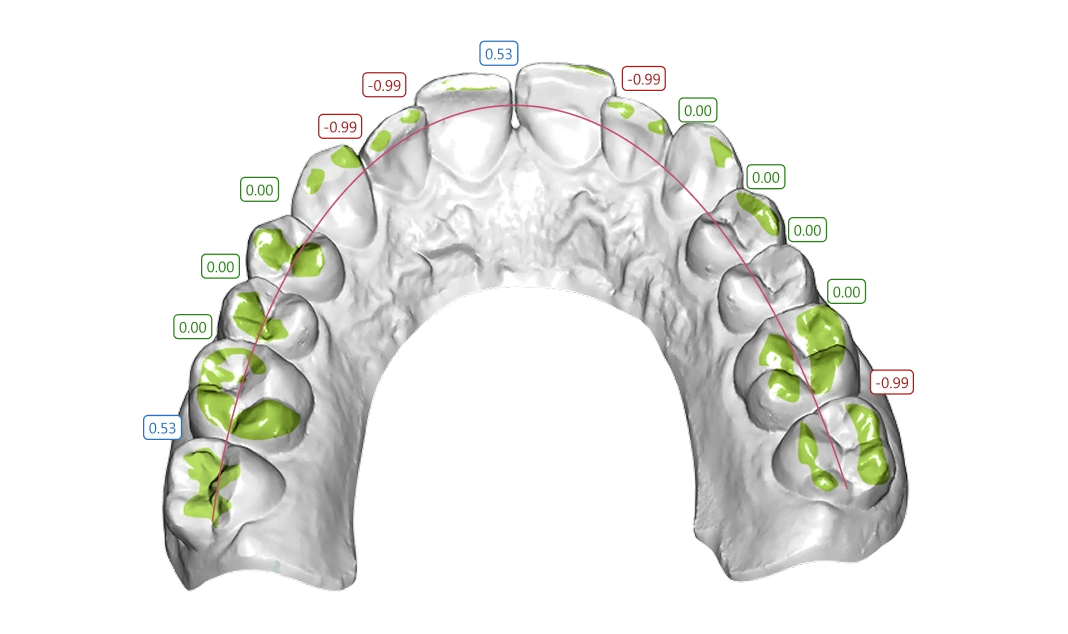
See exactly where teeth touch. Spot contact points instantly and plan spacing with precision.
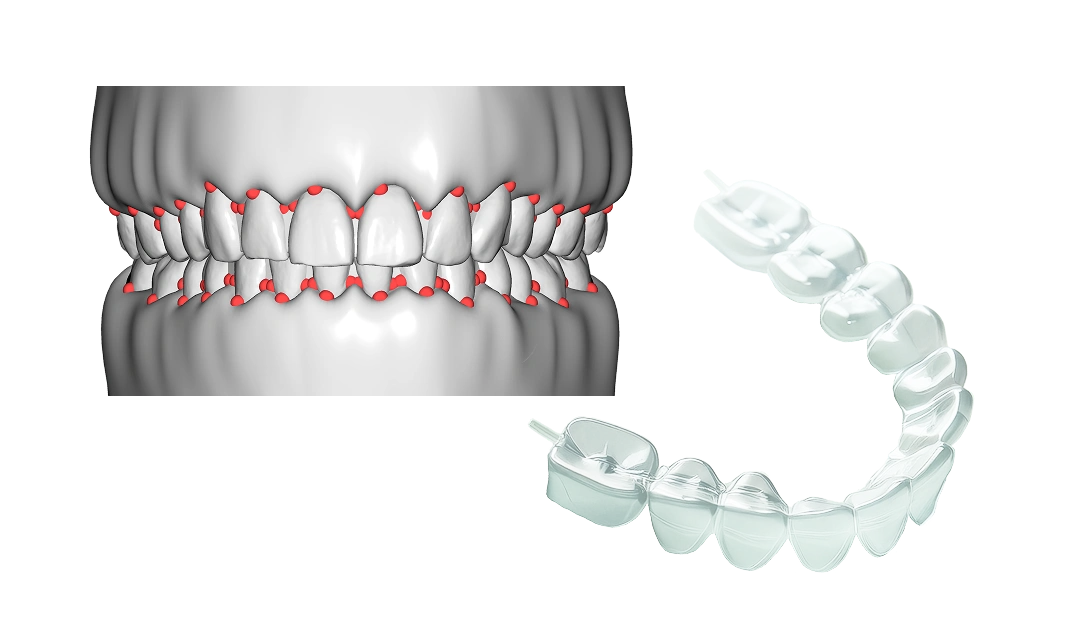
Generate aligners or 3D dental models with auto trimlines, optional engraving, and fillers for press-forming. Export stage-by-stage STL files, optimized for labs or in-house printing.
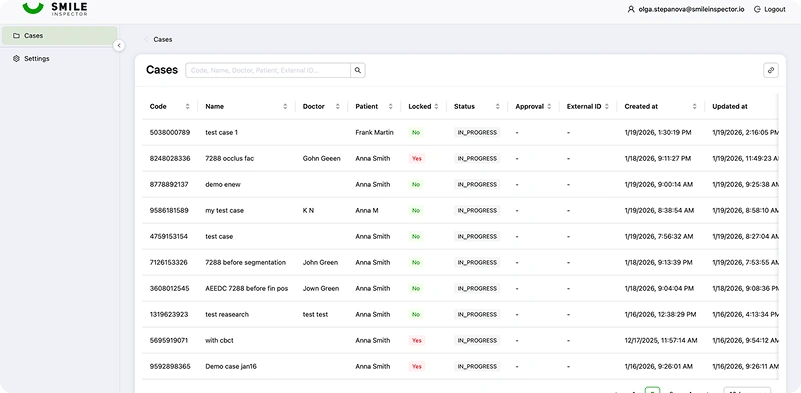
All cases live securely in the cloud with version history and easy retrieval for adjustments. Share cases with colleagues or labs in just a click.
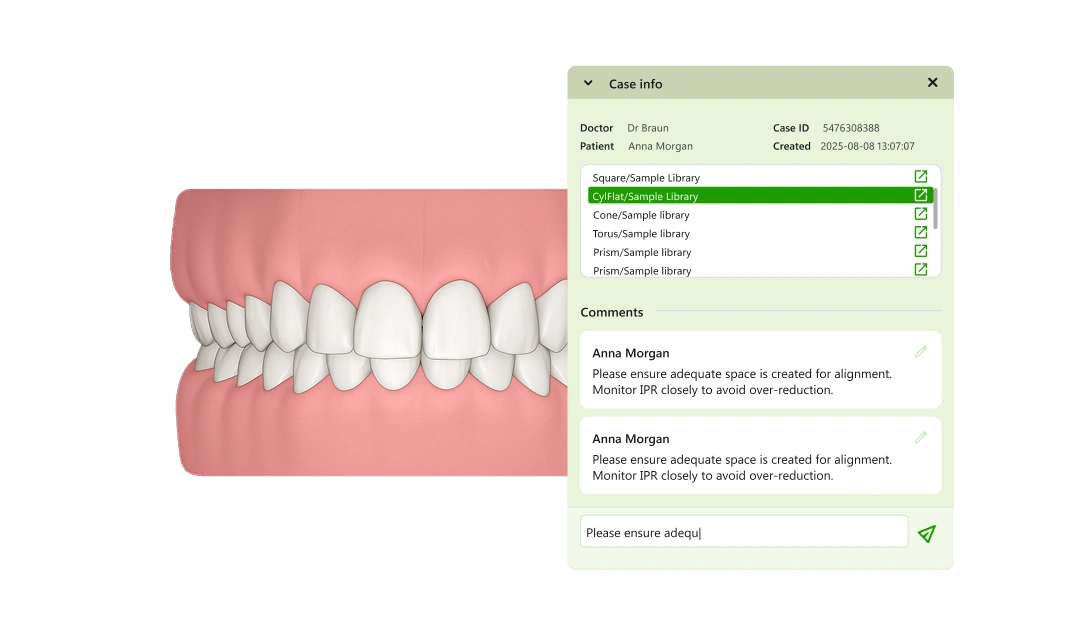
Comment directly inside cases. Doctors and labs can leave notes, making communication fast and clear.
We use cookies to help you navigate efficiently and perform certain functions. Optional cookies are stored only with your prior consent. You can change these choices at any time.
Necessary cookies are required to enable the basic features of this site, such as providing secure log-in or adjusting your consent preferences. These cookies do not store any personally identifiable data.
Functional cookies help perform certain functionalities like sharing website content, collecting feedback, displaying embedded media, and other third-party features.
Analytical cookies are used to understand how visitors interact with the website and provide information such as visitor numbers, bounce rate, and traffic source.
Performance cookies are used to understand and analyze key performance indexes, helping us deliver a better experience for visitors.
Advertisement cookies are used to provide relevant advertisements and analyze the effectiveness of advertising campaigns.
Other cookies are those that are being identified and have not yet been classified into another category.
Google services may process consent signals according to Google’s Privacy Policy.